What it installs
One module. Nothing else to install on the server.
The connector adds a chat bubble in the corner of Odoo and an Aski menu with two entries: Chat and Chat Settings. It copies your data nowhere: every question is answered by reading your Odoo at that moment, with the key of whoever is asking.
It works on Odoo 14 through 19, on Community and Enterprise, and on your own instances or on Odoo.sh. If your Odoo sits on an internal network with no way out to the internet, it connects through a tunnel; that is covered in the guide for your IT team.
The three access modes
This is the decision that matters. It defines who can ask, with whose permissions, and who pays the credits.
Per user
Any internal userEach person connects their own Aski account. Aski enters Odoo as them, so it only sees what that person can already see, and each one spends their own credits.
Shared
The "Use the Aski chat" groupThe whole group asks through one single connection: yours. Your account, your data, your credits. Handy for granting quick access without everyone creating an account.
Private
Administrators onlySame as shared, but only administrators can use the chat. This is the mode for trying Aski out before opening it to everyone else.
Which one to pick
| Per user | Shared | Private | |
|---|---|---|---|
| Who can ask | Any internal user | The chat group | Administrators only |
| What data Aski sees | The asker's own | Your account's | Your account's |
| Who pays the credits | Each person | You | You |
| Who connects the token | Each person, from the chat | An administrator | An administrator |
| Actions on the ERP | Yes | No | No |
Why actions only work in "Per user"
An action writes to your Odoo: it sends an email, schedules a follow-up, confirms an order. That has to be recorded under the name of whoever asked for it and with that person's permissions. In the shared modes everyone asks with the same key, so there is no way to know who asked for what nor to limit what they can touch — which is why those modes stay read-only.
Odoo enforces the permissions, not Aski
This is the question that comes up most often when a technical team reviews it. The answer can be checked on your own instance.
Aski has no permission layer of its own and keeps no copy of your data. It connects through Odoo's standard API, authenticating with the API key of one specific person, and from there Odoo runs every query as that person. Which means:
- Record rules (
ir.rule) apply by themselves: if a rule says a salesperson only sees their own orders, Aski only sees their own orders. - Access rights per model (
ir.model.access) too: on a model that person cannot read, Aski gets the same error they would. - Multi-company the same: only the companies they are allowed.
- Fields restricted to a group never arrive.
There is no way to ask for "everything": the query goes out with that identity
and Odoo decides. Getting around a rule would mean running inside Odoo with
sudo(), and the connector does not do that to answer questions.
Measured, not promised
On Odoo 19, against a database with 1,952 orders: a user who is not an administrator saw 1,047 — Odoo was already hiding 905 through the rules that instance already had. Adding a global rule "only my orders" brought it down to 20, exactly their own.
And reading someone else's order by its id returns
AccessError: knowing the identifier is no way around the rule,
neither from Aski nor from any other API client.
If someone sees too much, look at the access mode
It is almost always that, not a broken rule. In Shared and in Private everyone asks through one single connection — the one the administrator set up — so Odoo applies that person's rules: if the administrator sees everything, the answers reflect everything, for anyone in the group. That is what those two modes do by design, not a defect.
If you want each person limited to their own scope, the mode is Per
user: there each person connects with their own key and Odoo applies their
rules to them. Before auditing an ir.rule, check which mode the
instance is in — that is usually where it ends.
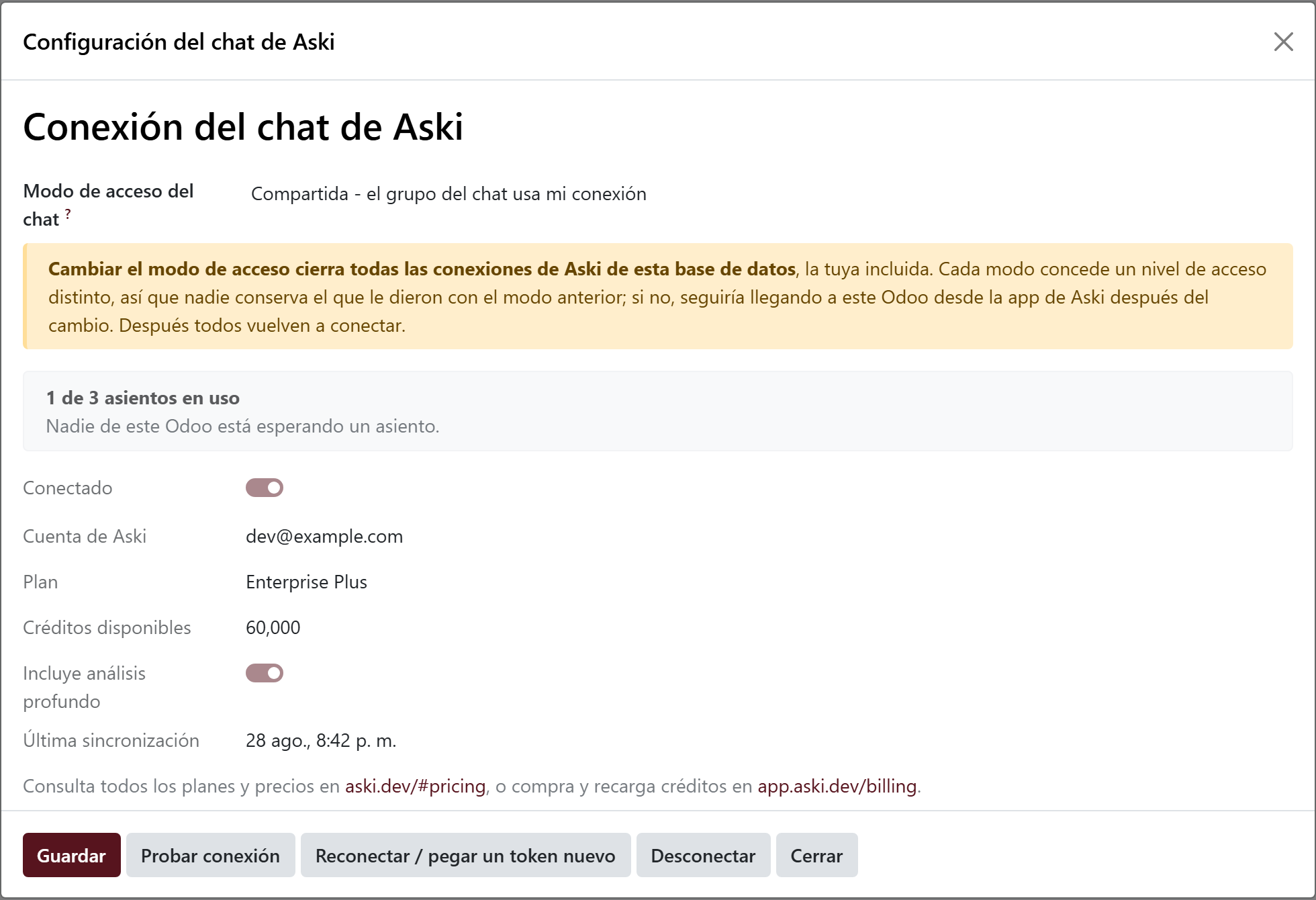
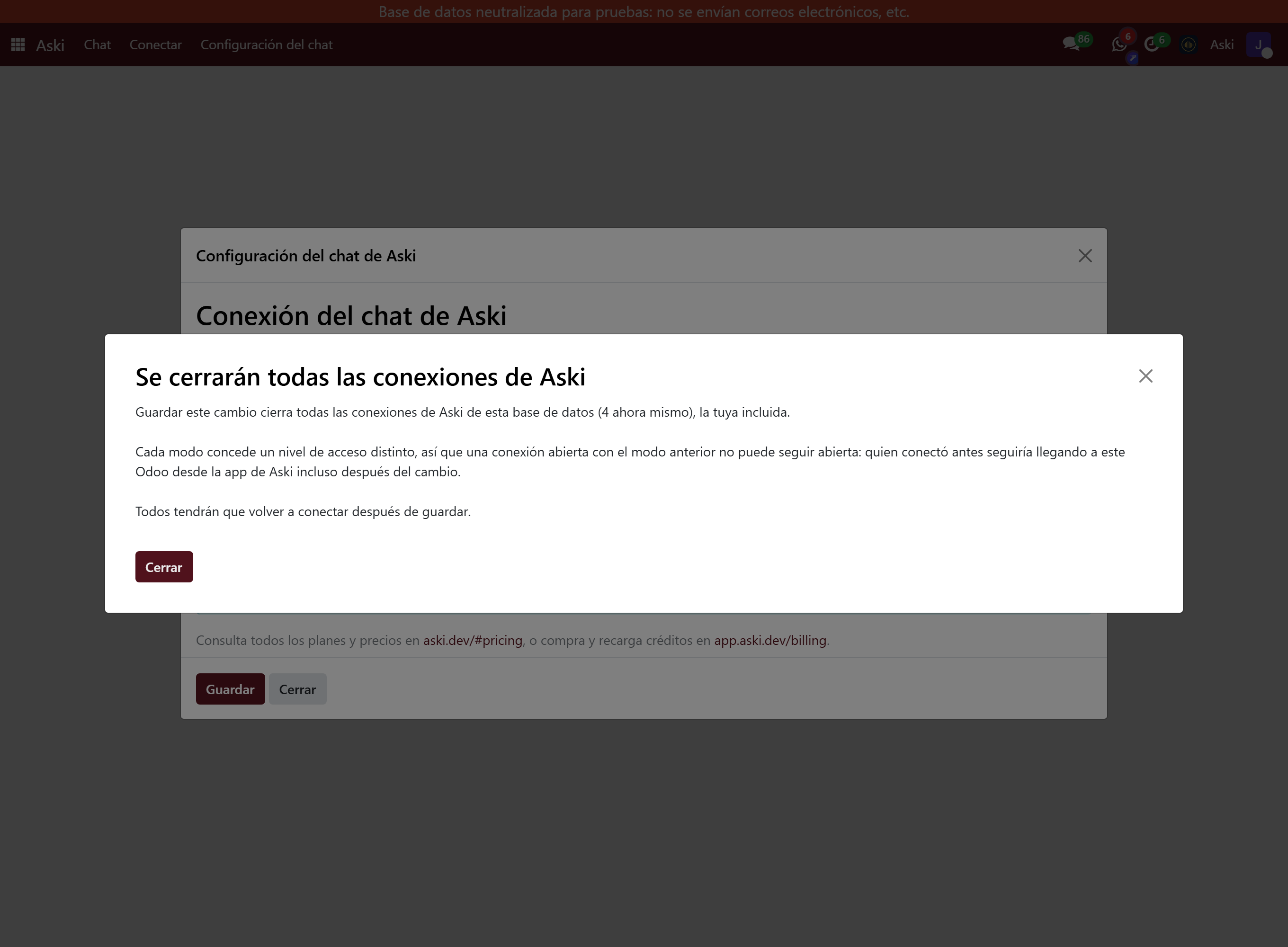
Changing the mode closes every connection
It is deliberate, and worth knowing before you touch the dropdown.
Each mode grants a different level of access. If the old connections stayed open after a change, they would leave gaps nobody can see:
- You go from Per user to Private believing you are cutting off everyone who is not an administrator — and you cut off nothing: each person keeps their connection and goes on querying this Odoo from the Aski app, because the mode only decides how the chat authenticates inside Odoo.
- You go from Shared to Per user precisely to stop querying with your administrator key — and that connection would stay alive.
- You switch back to Shared some time later and the whole group's access through your key reopens with nobody authorising it again; if new people joined the group meanwhile, they inherit that visibility with not a single step in between.
So when you save a mode change, every Aski connection in that database is closed, the administrator's included. They are not merely forgotten locally: the credential is archived on the Aski side and the Odoo API key is revoked, so the cut is real. Afterwards, everyone connects again.
Install and connect
Five minutes the first time.
- Install the Aski module from Apps.
- Go to Aski > Chat Settings and pick the access mode.
- Click Reconnect / paste a new token. If you do not have an Aski account yet, the same wizard creates one.
- The wizard generates the Odoo API key for you and stores it encrypted. You do not need to copy it by hand.
- Click Test connection. If it answers, you can start asking from the bubble.
In Per user mode each person only does step 3, from the Connect button on the bubble itself: they need neither the settings screen nor administrator rights.
The chat, day to day
Questions in plain language, about the data as it is right now.
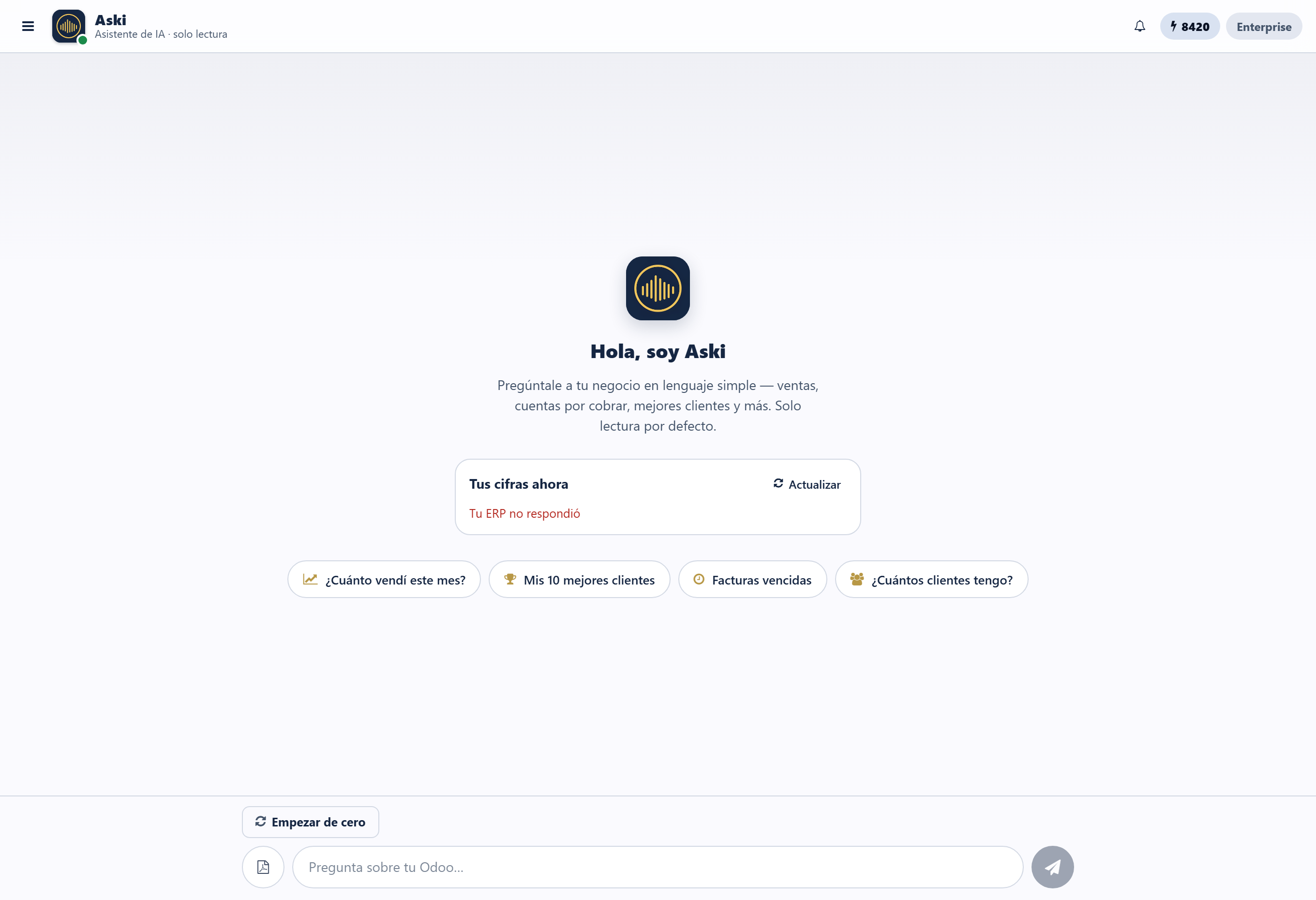
The bubble opens the chat without pulling you off the screen you are on. You can ask about sales, receivables, inventory, projects or customers; ask for the detail behind an answer; export it to Excel, PDF, Word or PowerPoint; and send it by email. Under your latest answer with data, “Create an alert” sends it to you on its own every day, and the bookmark on each answer saves it as a skill to rerun with one tap.
My team
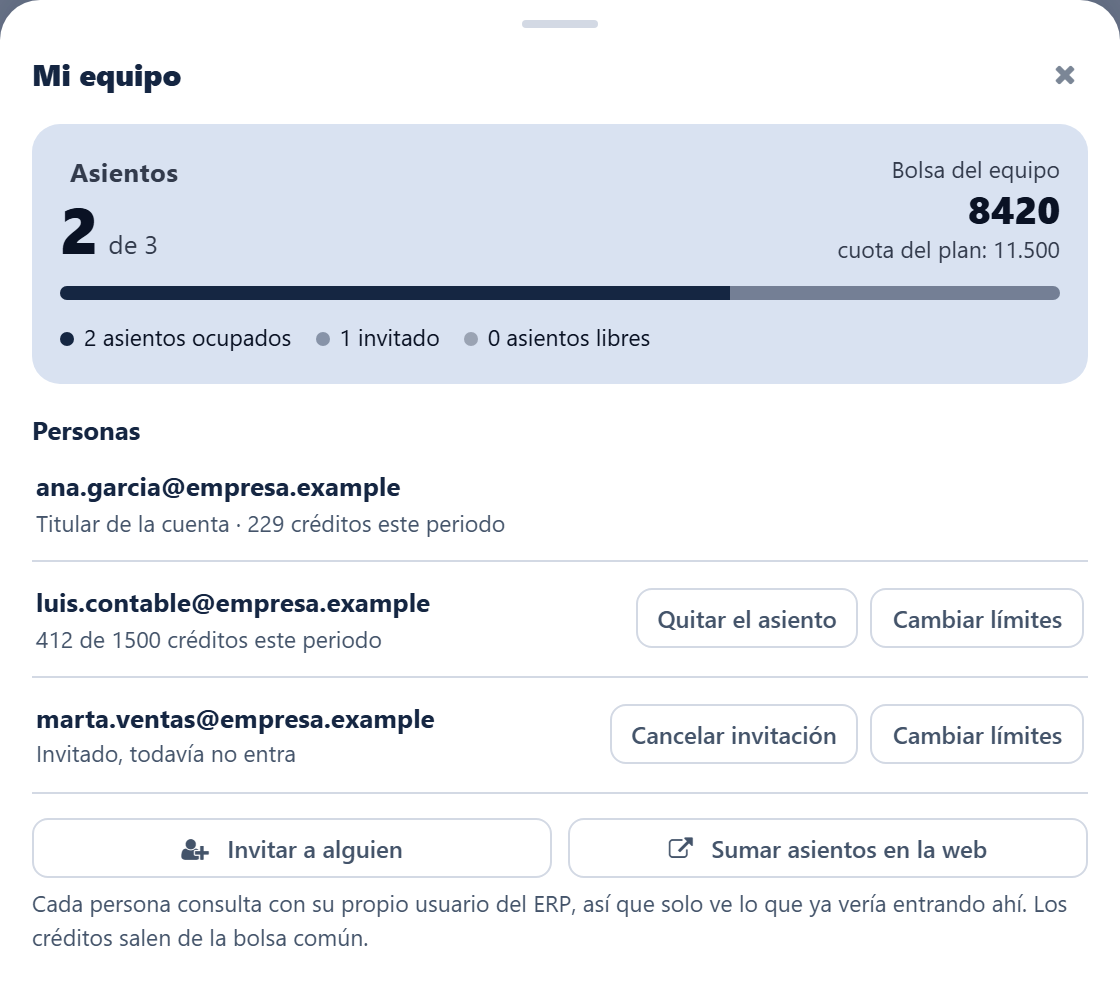
Who asks with this account, and how much each one uses.
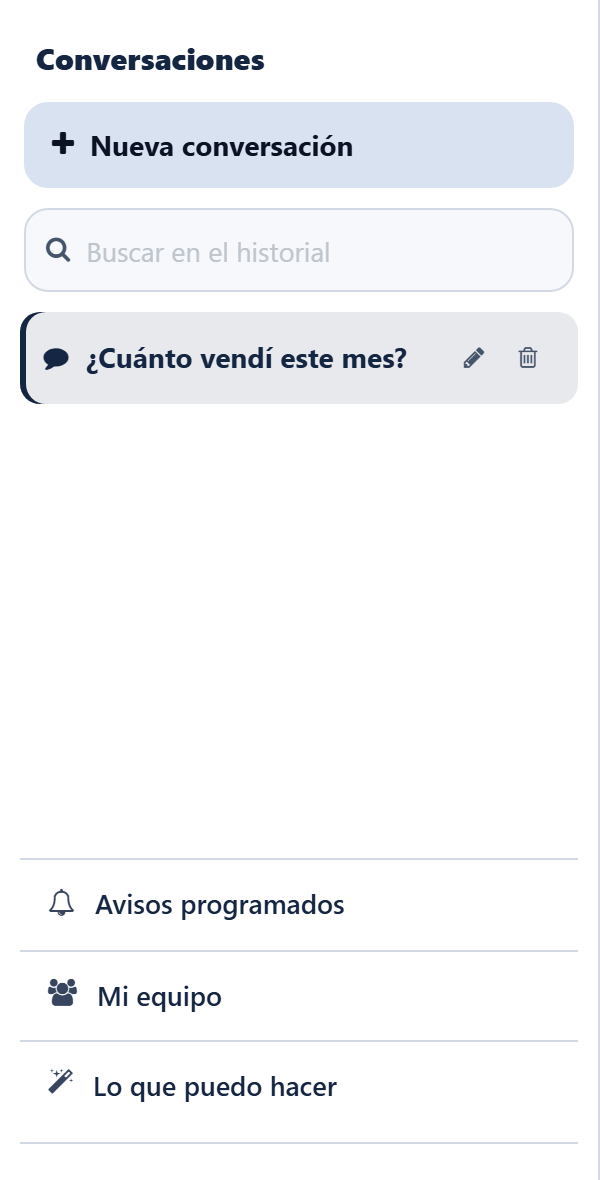
It shows the people sharing the account, how many credits each has spent and how many seats are free. From there you invite someone, set them a monthly credit cap, or take their access away.
If your account is managed by a provider, the button asks them directly for seats, a plan or a top-up: the request reaches their panel with the amount and they resolve it in one click. If the account is your own, the button takes you to buy them on the web.
Scheduled alerts
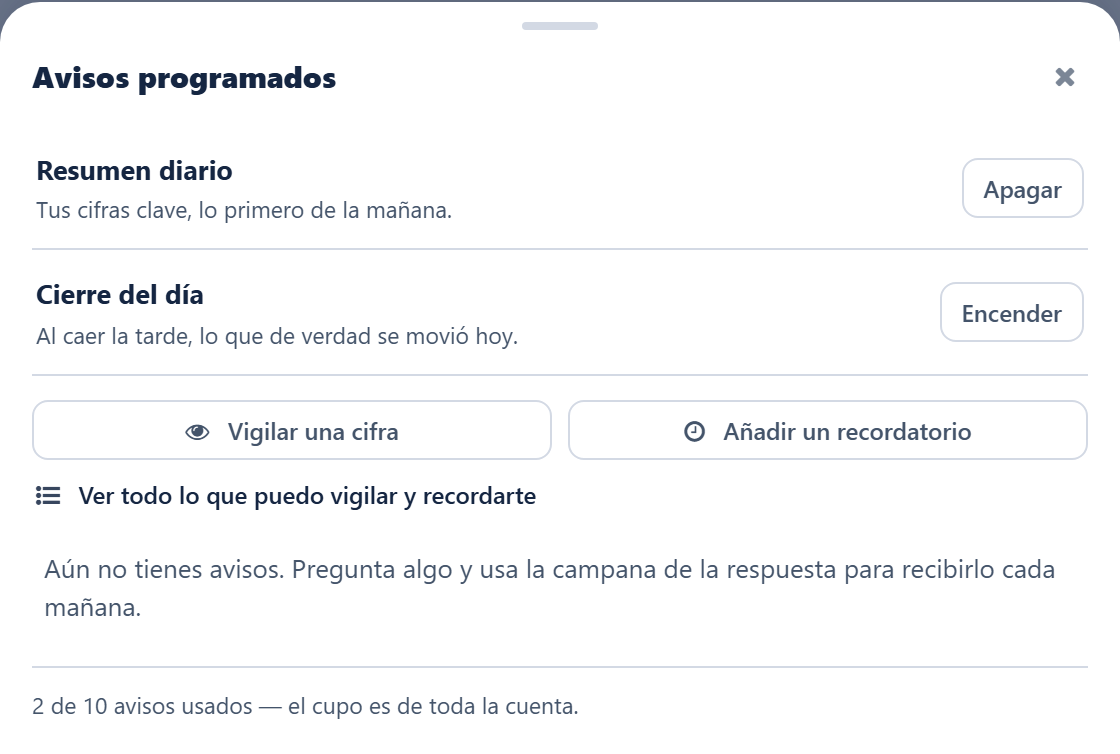
Let Aski come to you, instead of having to remember to ask.
There are four different things here:
- Daily digest — your key figures, first thing. Turn it on and that's it.
- Day closing — what actually moved today, in the evening.
- Watches — a figure and a limit: "tell me if overdue debt goes above 20,000". It only writes when the line is crossed.
- Reminders — about records that are coming due: invoices, quotes, activities.
Everything lands in your Odoo inbox, with your own permissions: if you cannot see a figure, the alert will not tell you about it either.
What Aski can do NEW
The whole map, without having to guess at it.
The screen used to offer "watch a figure" without saying anywhere which figures, so only people who already knew ever used it. Now there is a catalog with all three lists: what it can watch, what it can remind you about and what it can do on your ERP.
It is read from your connection, not from a hand-written list: if something is listed, it exists. And it is shown in full, marking what your instance does not support — so you also see what you are missing, which usually comes down to which modules you have installed.
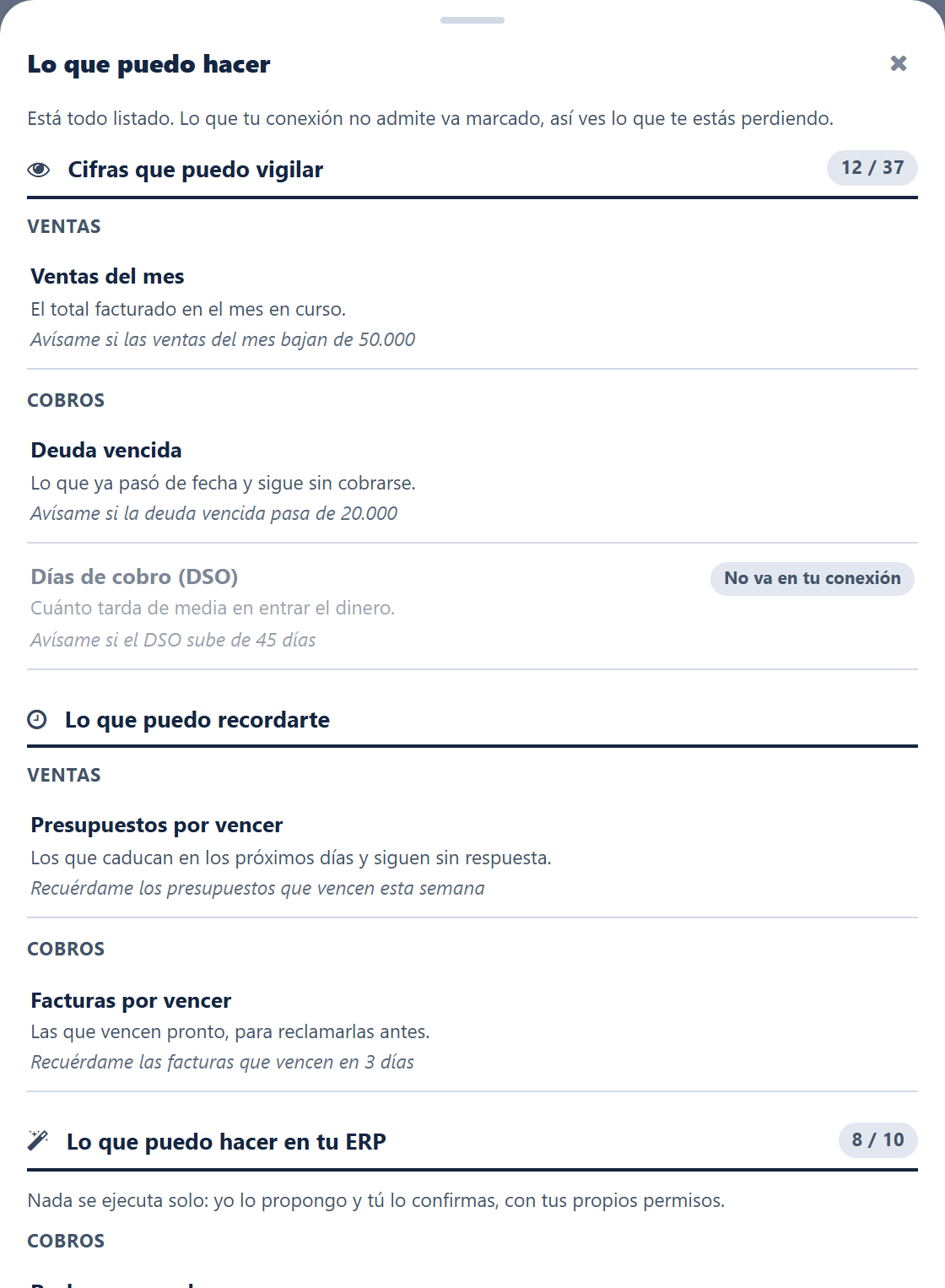
You reach it from Scheduled alerts (for watches and reminders) and from the side panel, under What I can do (for the ERP actions).
Nothing runs on its own
Actions on the ERP — chasing a payment, scheduling a follow-up, sending a quote — are proposed and you confirm them. Aski shows you beforehand who it is going to write to and what it will say, and the action runs with your permissions and leaves its trace in the usual log.
What's new
The latest additions to the connector.
Version 19.0.1.21
Changing the access mode closes every connection, with a warning before saving. It closes the gaps that a mode change used to leave behind, explained above.
Catalog of what Aski can do: watches, reminders and ERP actions, read from your connection and marking what does not apply.
Ask your provider for seats, a plan or a top-up from "My team", without leaving Odoo, if a partner manages your account.